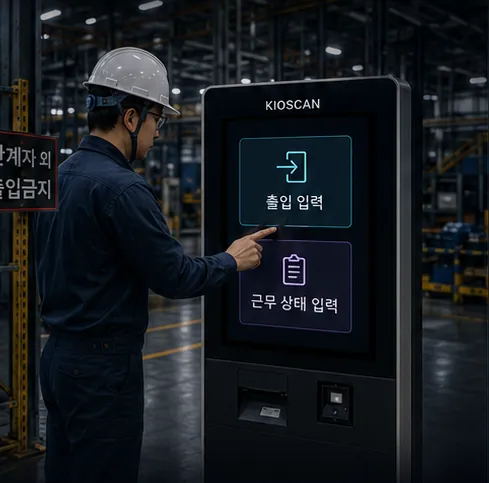
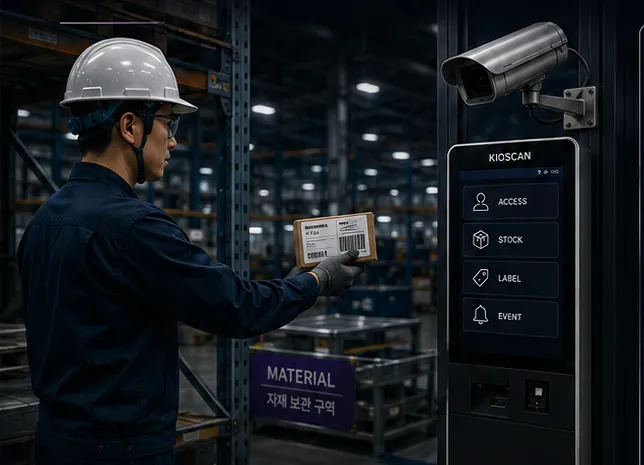
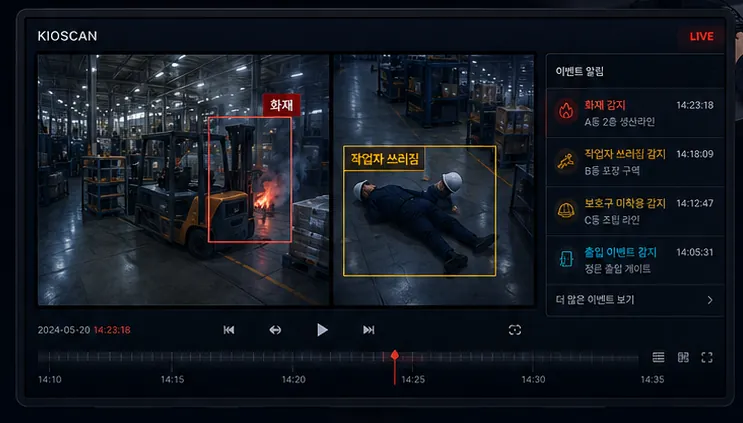
Built around recognition.
Capturing or scanning a label reads its information to support item registration and data connection. Results pass through a verification step before they are registered.
04 / LABEL RECOGNITION
Capture or scan a label to recognise its information and map it to related data. On-site label printing connects optionally, where a site needs it.
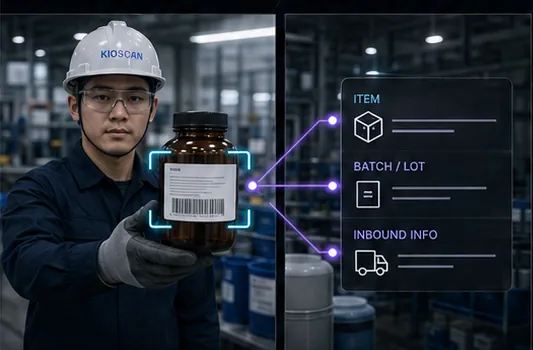
Capturing or scanning a label reads its information to support item registration and data connection. Results pass through a verification step before they are registered.
Recognised values are linked to item data, LOT, and inbound history, reducing the need to type the same thing twice.
Where a site labels decanted containers, a printer can be connected. It is not a required part of the configuration.
A configuration built purely on recognition and data connection is entirely workable, with printing added later if needed.
Where GHS or another label standard applies, we confirm the actual template and criteria in use before configuring. Compliance is never claimed without verification.
Label condition, print quality, and lighting all affect results, so a verification step is designed in alongside recognition.
A slot for the film covering recognition, data connection, and optional printing.
Video pending
Add the video and caption files at the paths below and playback appears here.
Replace at
Label recognition feature film
A slot for footage of label capture and recognition, data mapping, and on-site printing where needed.
All video is muted by design, and every slot carries a caption track so nothing depends on sound.
From label capture and scanning through data mapping to optional printing.
Label and barcode patterns are captured or scanned to read their values.
Recognised values are linked to item, LOT, and inbound data.
Verified information is registered at the kiosk.
Where a site needs a label, it is printed optionally.
Open the recognition scene, the kiosk registration screen, and the printed result at a larger size.
The label recognition layout at its original aspect ratio. Concept material, not a delivered project.
Share your label format, print condition, and any output template you need, and we will outline the configuration and verification steps.
Your details are used only to answer this inquiry. Nothing is written to a database — the message is forwarded to our inbox and then discarded.