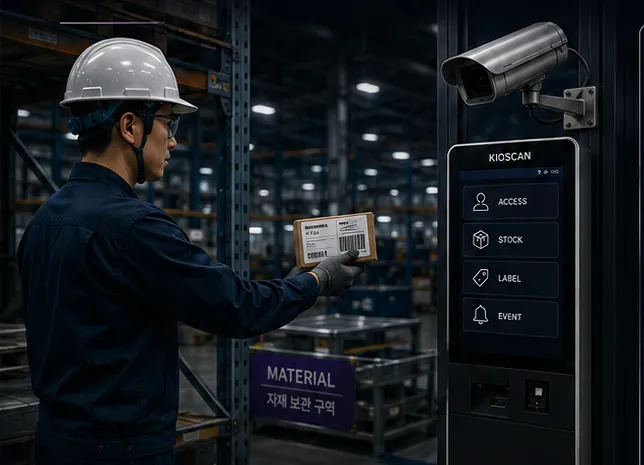
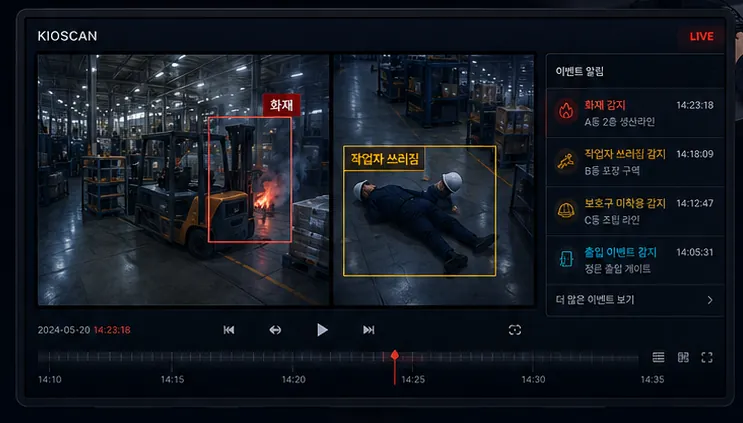
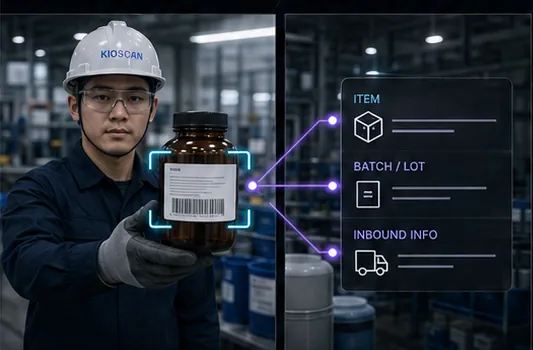
Entry events connected to job start information.
The moment access is entered is stored together with the site conditions at that time, so you can see when and under what conditions a job began.
01 / ACCESS CONTROL
Site entry events are connected to the information that starts a job. Operators enter access and work status at the kiosk, and managers can see who is on site right now.
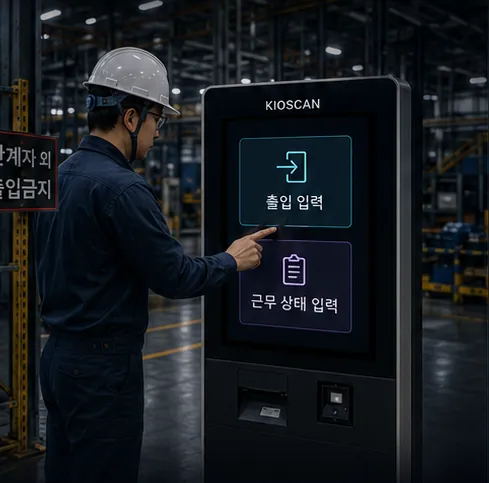
The moment access is entered is stored together with the site conditions at that time, so you can see when and under what conditions a job began.
The people currently entered on site and their work status appear on the manager view, without maintaining a separate document.
The checks a site needs before work begins can be built into the kiosk screen, so that step leaves a record.
Entry time, work status, and the related footage timestamp are linked into one history you can return to later.
We confirm the credentials and security policy already in use before defining what can be integrated. No single authentication method is assumed to behave identically in every environment.
A slot for the film covering access entry through to manager review.
Video pending
Add the video and caption files at the paths below and playback appears here.
Replace at
Access control feature film
A slot for footage of kiosk access entry and the manager view that follows it.
All video is muted by design, and every slot carries a caption track so nothing depends on sound.
How field input becomes a record and reaches the manager view.
The operator enters access or work status at the kiosk.
Entry time and work status are saved as a field record.
The manager reviews headcount and access status.
Access records and site conditions are read together to manage the start of work.
Open the field scene, the kiosk entry screen, and the manager view at a larger size.
The access control layout at its original aspect ratio. Concept material, not a delivered project.
Tell us how access is handled today and what you need to verify, and we will review the integration scope with you.
Your details are used only to answer this inquiry. Nothing is written to a database — the message is forwarded to our inbox and then discarded.